Safesafar
Emergency Info, Always One Scan Away
If something unexpected happens on the road, first responders or nearby riders can instantly access your emergency details, safely and securely.
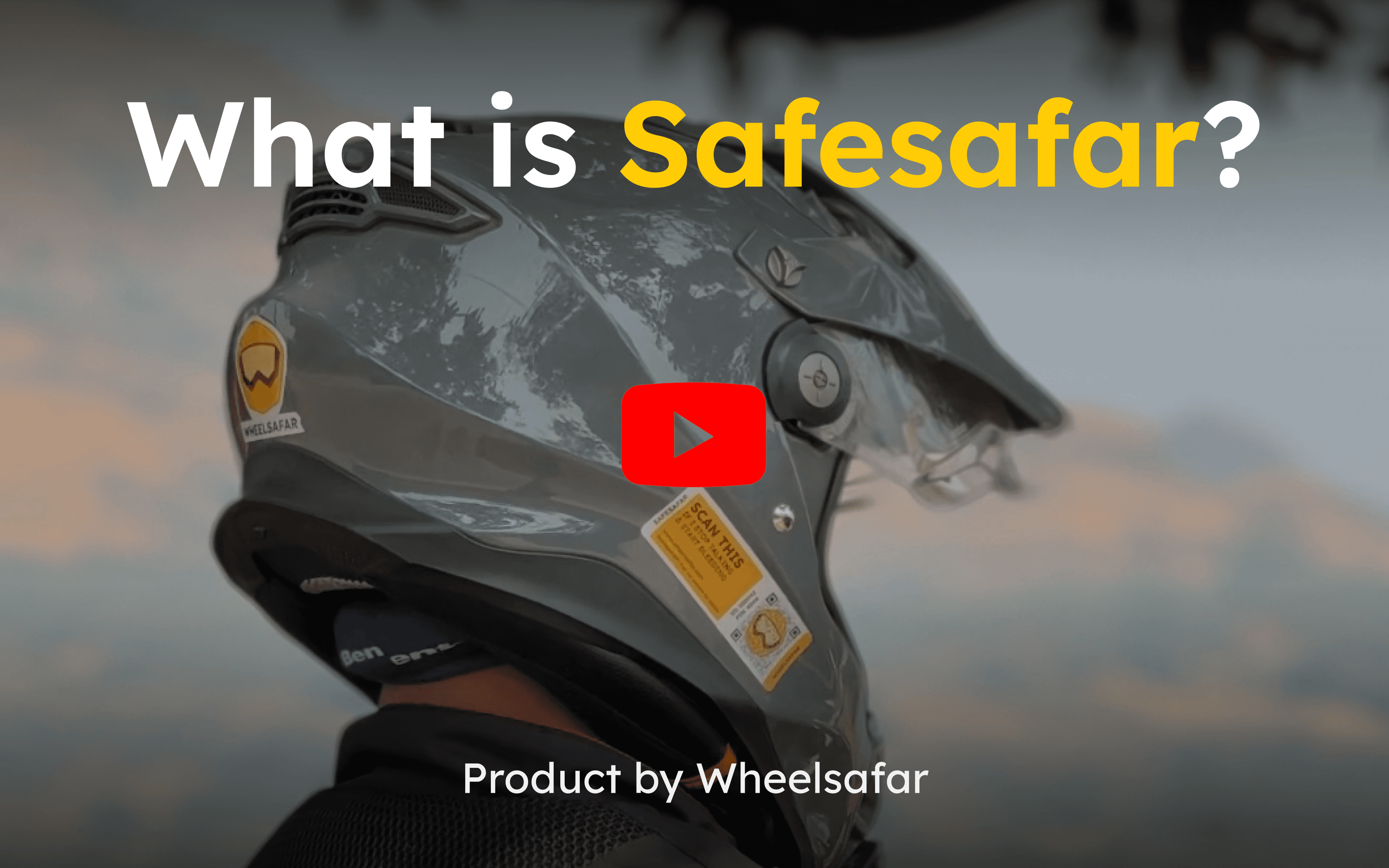
Safesafar is an emergency QR sticker designed for riders who believe preparation is part of riding.
Watch How It Works
How To Activate Your Safesafar?
Step 1: Add Emergency Information
Inside the app → Safesafar → Emergency Information
Add:
Personal details
Medical information
Emergency contacts
Any custom instructions that may help in an emergency
You can edit this anytime.
Step 2: Link Your QR
Go to → Manage QR → Add New QR
You can:
Scan the QR
OREnter the ID & PIN printed on your sticker
Once linked, you can name it:
Helmet
Motorcycle name
Scooter
Touring bike
Or anything you prefer
What Happens When Someone Scans It?
If linked and enabled:
They see your emergency information instantly.
If not linked:
They see that this QR is not yet connected to any rider.
If disabled:
No information is shown.
Privacy First. Always.
We built Safesafar assuming:
Your helmet might be parked in public.
Random people might scan it.
That’s why you can:
Disable the QR anytime using a simple toggle.
Re-enable it whenever you want.
Edit or update your emergency information anytime.
Your data is visible only when you allow it.
Where Should You Stick It?
Recommended placements:
Back of helmet
Side of helmet
Motorcycle front panel
Windshield
Side box